Blog · beginner
How to Share Files With a Temporary Link
2026-09-13 · 11 min read · XtremeShare Editorial
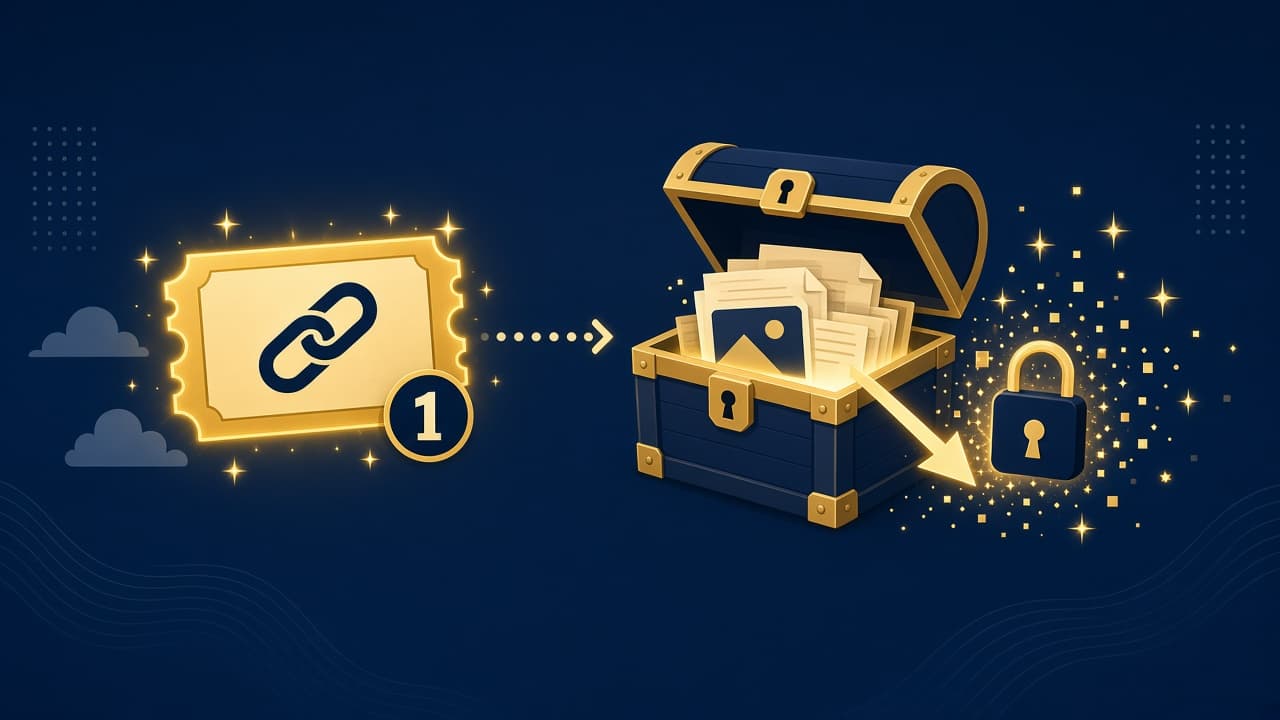
Defines share links; points at one-hour + one-download behavior. No account required — browser peer-to-peer links for a clean handoff.

How to Share Files With a Temporary Link is one of the most common jobs on the modern internet — and one of the easiest to overcomplicate. People reach for email attachments, shared drives, chat apps, and USB cables, then discover size limits, permission mazes, or a tool that needs yet another account.
Defines share links; points at one-hour + one-download behavior. This guide stays practical: what temporary file sharing usually means, when a browser peer-to-peer share link is enough, and how to avoid the traps that waste an afternoon.
What “temporary file sharing” really involves
At a high level, temporary file sharing means moving bytes from one person or device to another with an acceptable amount of friction. The right method depends on file size, how sensitive the package is, whether both sides are online now, and whether you need the files to stick around afterward.
Browser peer-to-peer transfer tools shine for one-off handoffs: a cut of a video, a ZIP of exports, a build artifact, or a document pack that does not belong in a permanent shared folder. Cloud drives shine when you need ongoing collaboration, version history, and long-term storage.
When a share link is the better fit
- You need to send something once, not host a living folder.
- Email rejects the attachment or quietly strips the archive.
- You do not want to create accounts for a short handoff.
- The recipient should get a simple download page, not a permissions puzzle.
- You are fine with a live peer handoff instead of indefinite cloud storage.
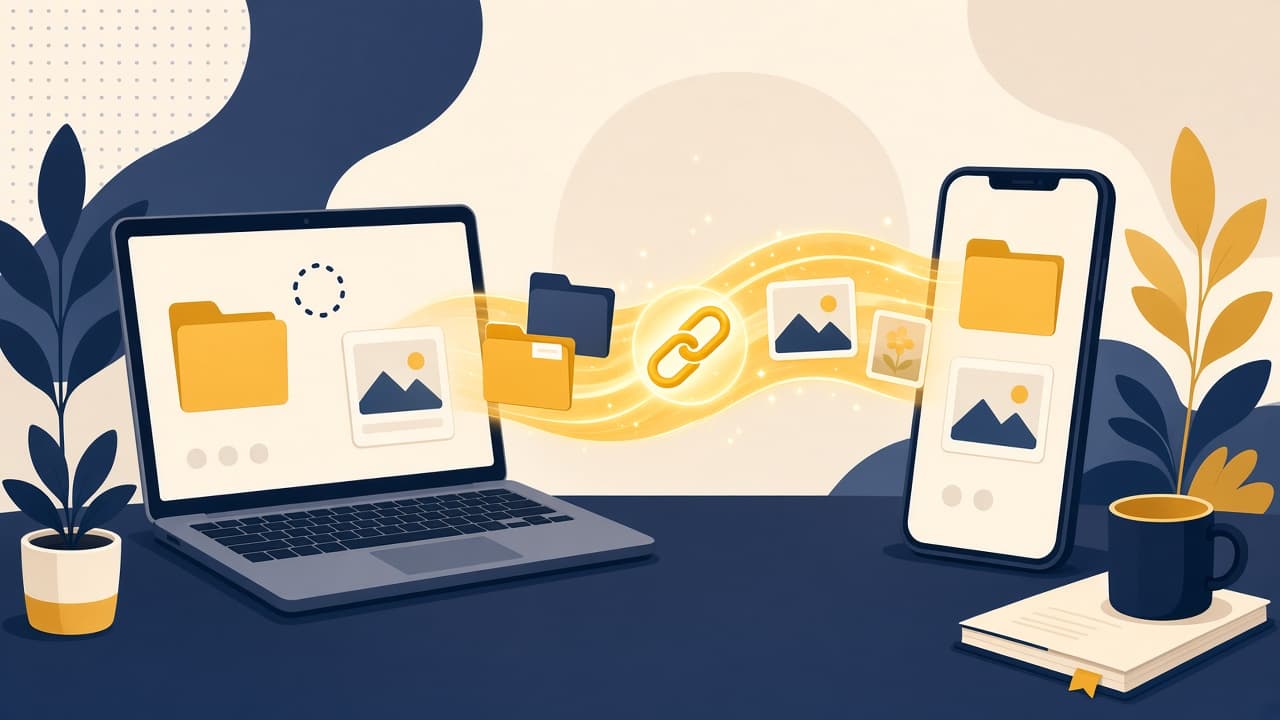
XtremeShare is built for that pattern: share files from your browser with a share link. No account. File bytes move peer to peer between browsers; XtremeShare keeps room metadata and signaling, not a lasting cloud archive of your content.
How to handle temporary file sharing in a browser
- Open XtremeShare in your browser — no account needed.
- Select the files you want to send and create a share room.
- Copy the share link (and optional QR code), then send it to the recipient.
- Keep your sender tab open until they finish. Chunks move directly between browsers over a WebRTC data channel.
Keep the sender tab open while the recipient receives. Peer-to-peer transfer needs a live sender peer; if you close the tab mid-transfer, reopen and re-select the same files to resume.
Privacy expectations for share links
A live peer handoff reduces leftover copies, but it is not the same as end-to-end encryption. During the brief storage window, treat the link like a secret: share it only with the intended recipient, and avoid putting confidential details in the filename.
Practical tips that save retries
- Prefer a wired or strong Wi-Fi connection for multi-gigabyte packages.
- Compress many small files into one ZIP when the other side expects a single download.
- Send the link through a channel the recipient actually checks.
- Tell them to open the link while you keep your sender tab available.
- If a transfer stalls, use resume when available, or retry on a quieter network.
Share links vs cloud storage vs true P2P
upload-to-storage services store the package briefly on a server so the recipient can download later. Cloud storage keeps files for collaboration. XtremeShare is browser peer-to-peer: both sides need a modern browser, and the sender stays available during the handoff while encrypted chunks move over a WebRTC data channel.
Limits worth knowing before you send
- The handoff is a live peer session rather than a lasting cloud folder.
- Rooms are temporary; keep the sender available and finish while the share is active.
- Very large transfers can still fail because of browser memory, bandwidth, NAT, or unstable networks.
- Filenames can appear on the share page before download — avoid secrets in the filename itself.
- There is no account recovery for a lost link. Keep the URL until the handoff is done.
FAQ: temporary file sharing
Do I need an account for temporary file sharing?
No. XtremeShare lets you start from the browser without creating an account, email, or credit card.
How long does the link last?
Share rooms are temporary live sessions. The sender must stay available while the receiver downloads; reopen the same room with the same files if you need to resume.
Is this the same as a cloud drive?
No. A peer-to-peer share link is for a live handoff. Cloud storage is for files you keep, sync, and organize over time.
Next step
If your job is temporary file sharing without creating another account or a permanent folder, open XtremeShare, upload, and send the share link. For product questions, check the FAQ or contact page.