How it works
Direct transfer, explained
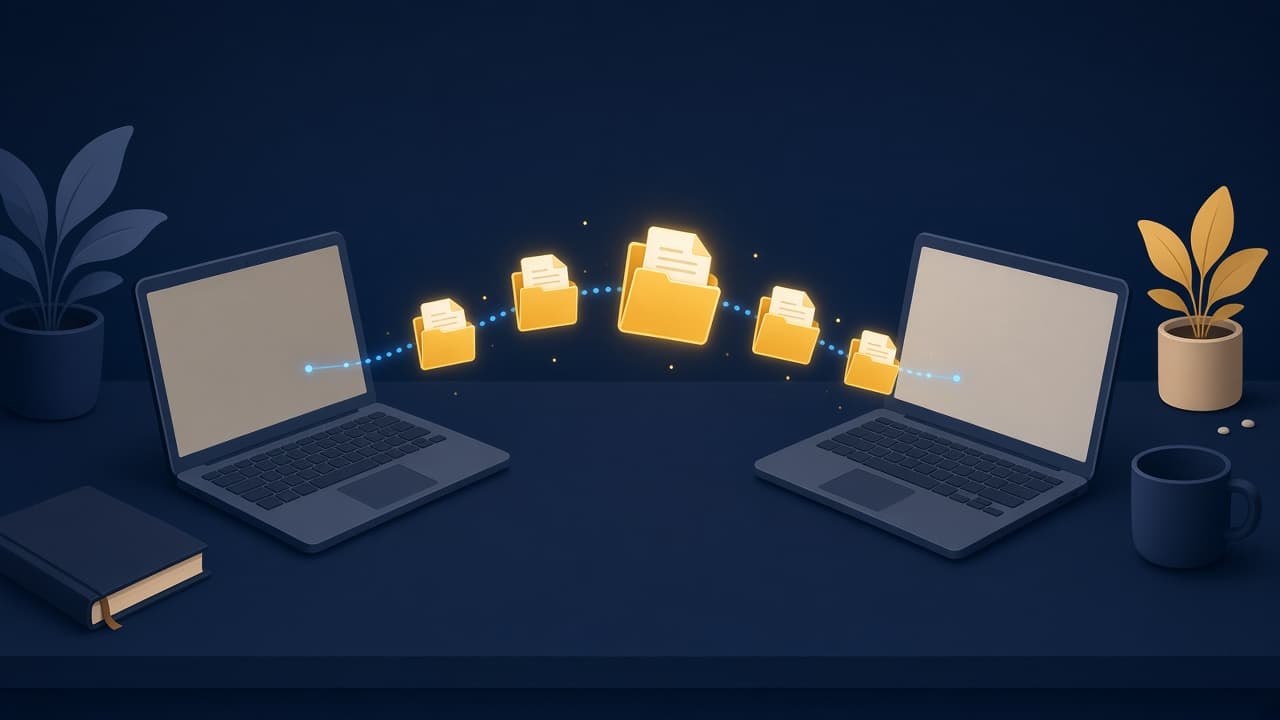
XtremeShare is browser-based peer-to-peer file transfer. Your files move from one user to another — computer to computer — with a share link, optional password, encrypted chunks, and resume if the connection pauses.
Step by step
From drop zone to download
Four moves. No account. No “upload finished, now wait for our servers.”
01
Pick files on the sender’s device
Open XtremeShare in your browser and drop one or many files into the share panel. Nothing is uploaded to our servers. The files stay on your computer until a receiver connects.
Multi-file bundles are fine — videos, ZIPs, decks, builds. There is no cloud folder and no account wall before you start.
02
Share a link (and optional password)
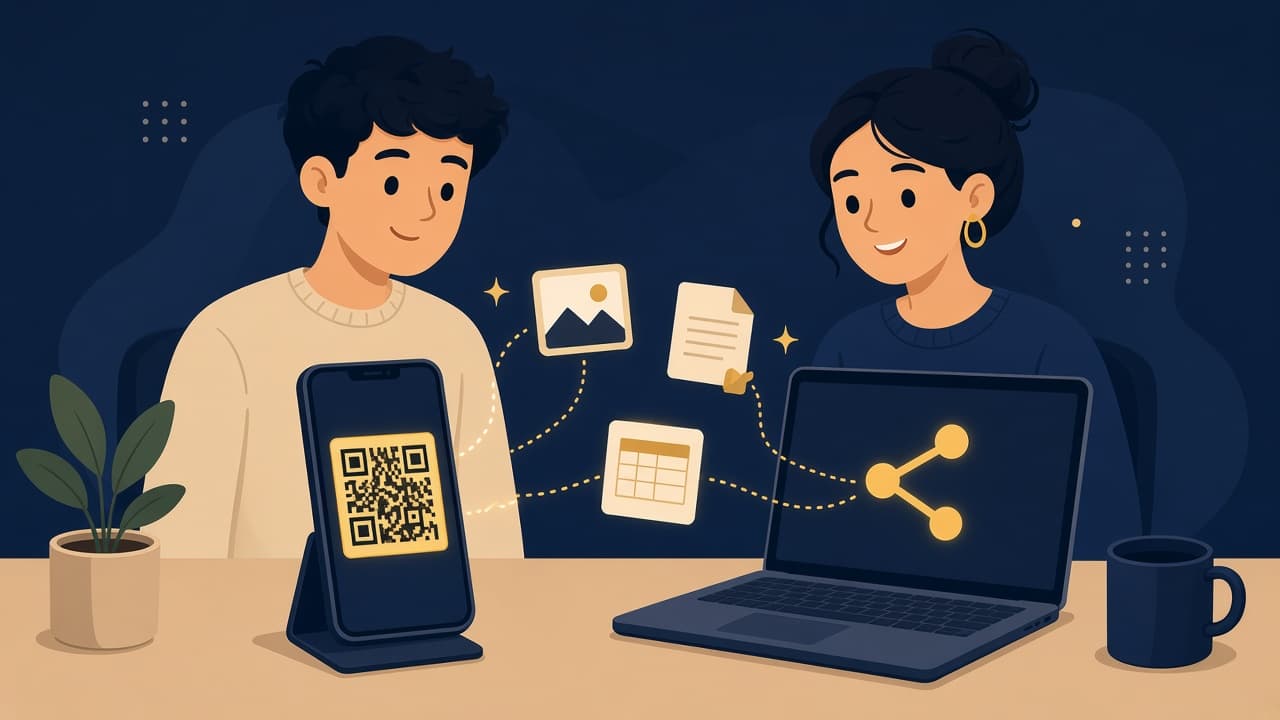
Generate a private link and QR code for the receiver. You can protect the room with a password so only people who know it can start the download.
Keep the sender tab open. That browser is the live peer — when the other side opens the link, the two browsers connect directly.
03
Files move user to user
Once both sides are online, XtremeShare opens a direct peer-to-peer channel. Encrypted chunks fly from the sender’s computer to the receiver’s computer — not through a file storage server.
Your bytes go device to device. We only help the browsers find each other (signaling). The file payload itself stays on the private path between you.
04
Encrypted chunks + resume
Large files are split into chunks, encrypted in the browser, and sent piece by piece. If the network drops mid-transfer, the receiver can reconnect and continue from the last saved progress instead of starting over.
Example: a download paused at 50% can pick up near 50% after the connection returns — as long as the sender is still sharing the same room.
Remember
What makes this different
No cloud archive
We do not download your files into a permanent folder we keep. The handoff is the product.
Sender stays online
Because transfer is peer to peer, the sender’s browser tab must stay open until the receiver finishes.
Password when you need it
Optional password on the link. Wrong password, no download. Right password, encrypted transfer starts.
Ready to send?
Drop files on the homepage, share the link, and keep your tab open until the other side finishes.