Blog · privacy
How to Transfer Confidential Files
2026-10-24 · 12 min read · XtremeShare Editorial
When a consumer transfer link is the wrong tool (compliance, e-discovery). No account required.
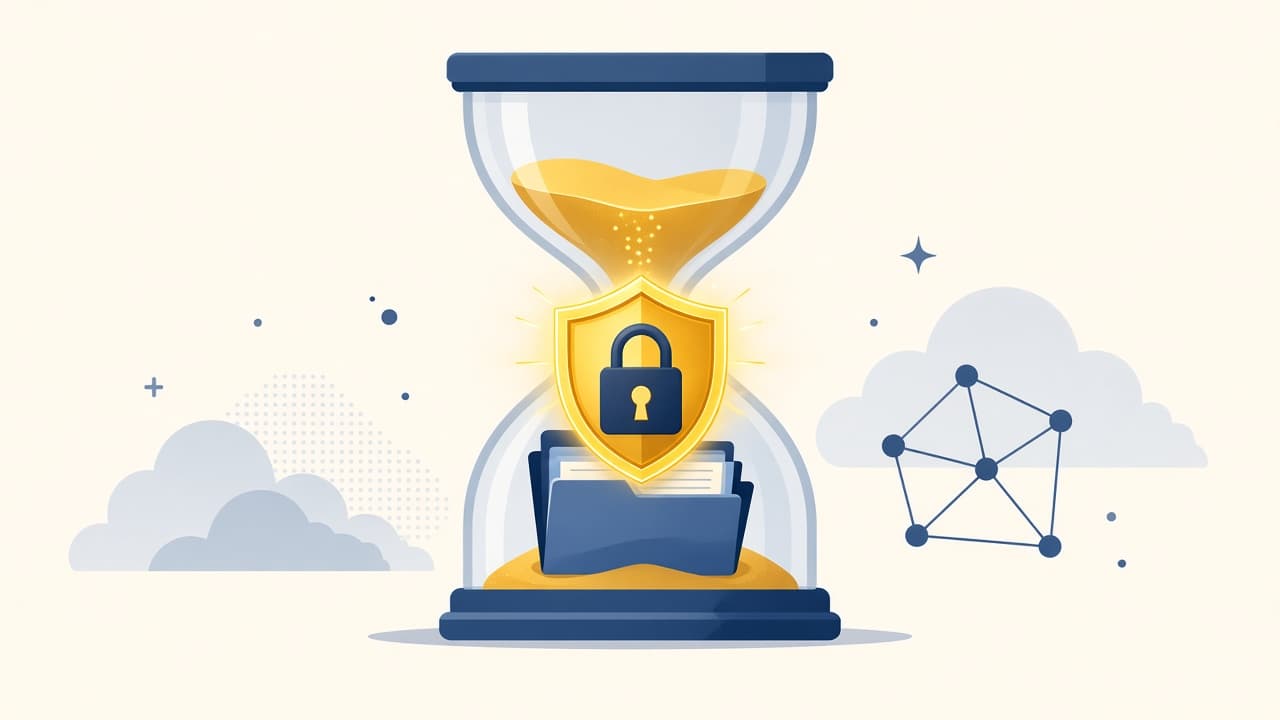
How to Transfer Confidential Files matters whenever email, chat apps, or mismatched native tools get in the way. This guide focuses on practical how to transfer confidential files using a modern browser — without inventing product features XtremeShare does not have.
When a consumer transfer link is the wrong tool (compliance, e-discovery).
What people usually mean by “how to transfer confidential files”
Searchers looking for how to transfer confidential files typically want a fast handoff, fewer accounts, and a path that works across devices. Some need delayed cloud downloads; others can stay online together. XtremeShare is built for the live browser peer-to-peer case.
How to do it with XtremeShare
- Open https://xtremeshare.cloud in a modern browser — no account needed.
- Drop one or more files into the share panel.
- Optionally enable password protection before creating the room.
- Copy the share link or show the QR code to the recipient.
- Keep the sender tab open until the receiver finishes (resume if the connection drops).
What privacy can honestly mean
For how to transfer confidential files, separate myths from mechanics: XtremeShare stores room metadata and signaling, encrypts chunks in the browser, and does not keep a lasting cloud archive of file bytes on the live P2P path. Filenames can still appear as metadata — avoid secrets in the name itself.
When to choose another tool
- The recipient must download days later while you are offline — use cloud storage.
- You need collaborative editing and version history — use a drive product.
- Compliance requires a specific managed-file-transfer vendor — follow that policy.
- Either browser lacks working WebRTC on the current network — try another network or a storage link tool.
Limitations to know up front
- Sender availability is required during the receive.
- Filenames and sizes are room metadata.
- Strict NATs may need TURN for connectivity.
- There is no platform size marketing cap, but browsers and networks still impose practical limits.
- Lost links are not recoverable from a user account, because there is no account.
FAQ: how to transfer confidential files
Do I need an account for how to transfer confidential files?
No. XtremeShare lets you start from the browser without creating an account, email, or credit card.
Are my files uploaded to a cloud folder?
On the live path, file bytes move between browsers over a WebRTC data channel. XtremeShare stores room metadata and signaling, not a lasting archive of your file contents.
Can I resume if the transfer pauses?
Yes. Progress can be saved on the receiver; continue from offsets when the sender is still sharing the same room.
Next step
If how to transfer confidential files is your job today, open XtremeShare, create a share, and keep your tab available for the peer-to-peer handoff. Continue with related guides below, or read How it works and the FAQ for product details.